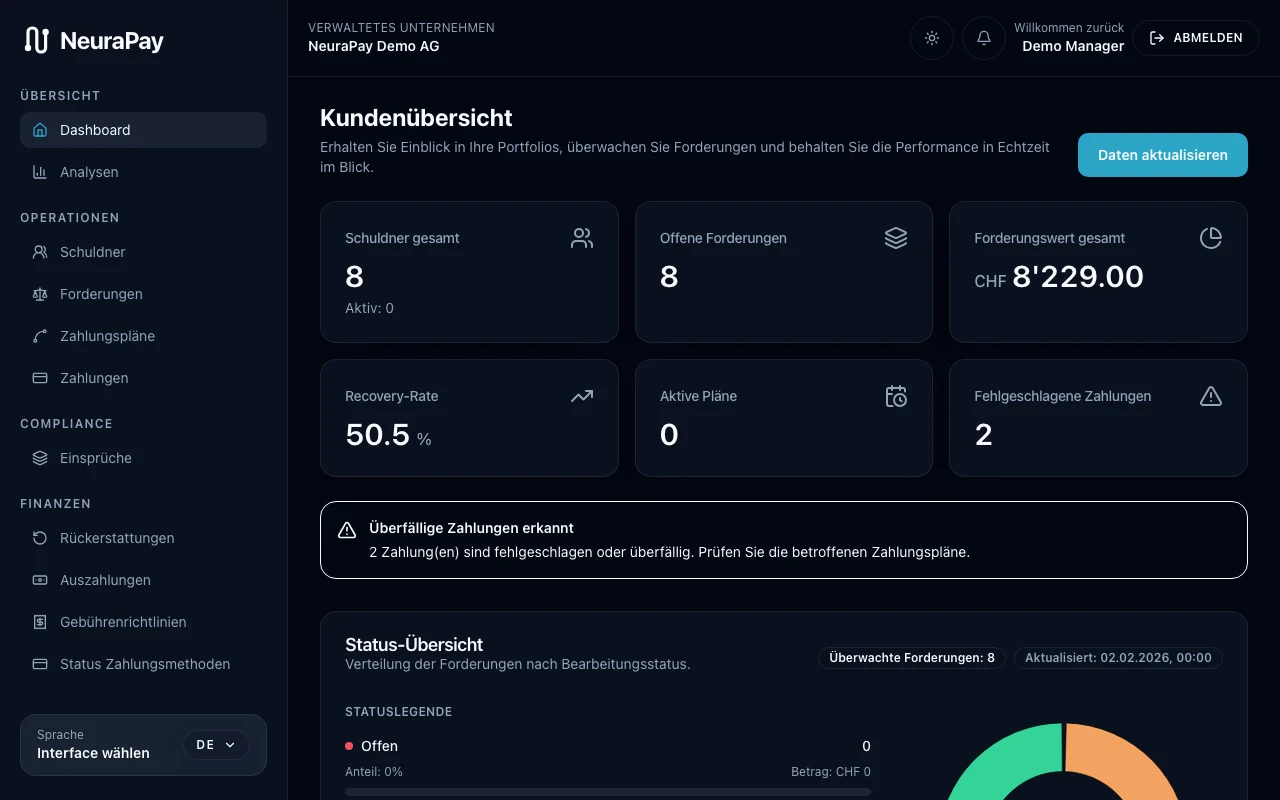
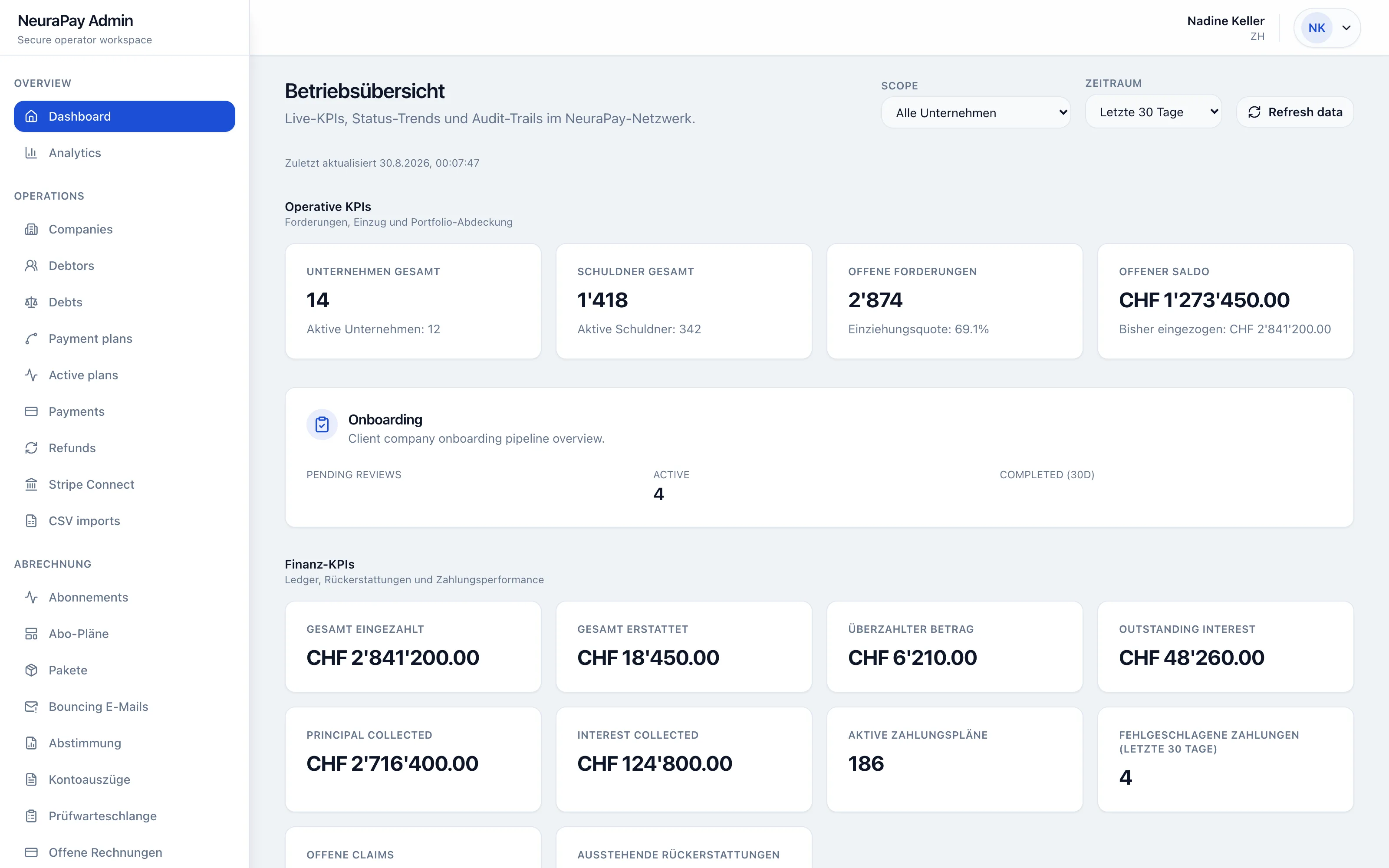
Case overview & pipeline
All active cases at a glance — with KPIs, status distribution, and recovery trend. Filter by risk class, amount, or phase.
Every role has its own perspective — full transparency, maximum control, seamless audit trail.
All active cases at a glance — with KPIs, status distribution, and recovery trend. Filter by risk class, amount, or phase.
Define escalation paths, reminder cadences, and channel rotations. Atlas AI automatically optimizes the sequence.
Every email, call*, SMS* — documented chronologically. Including AI-generated summaries and sentiment tags.
Recovery rate, cost-to-collect, agent performance. Export reports as PDF, CSV, or Excel — in real-time.
Every action is logged: who, what, when. Guardrails prevent non-compliant communication before it goes out.
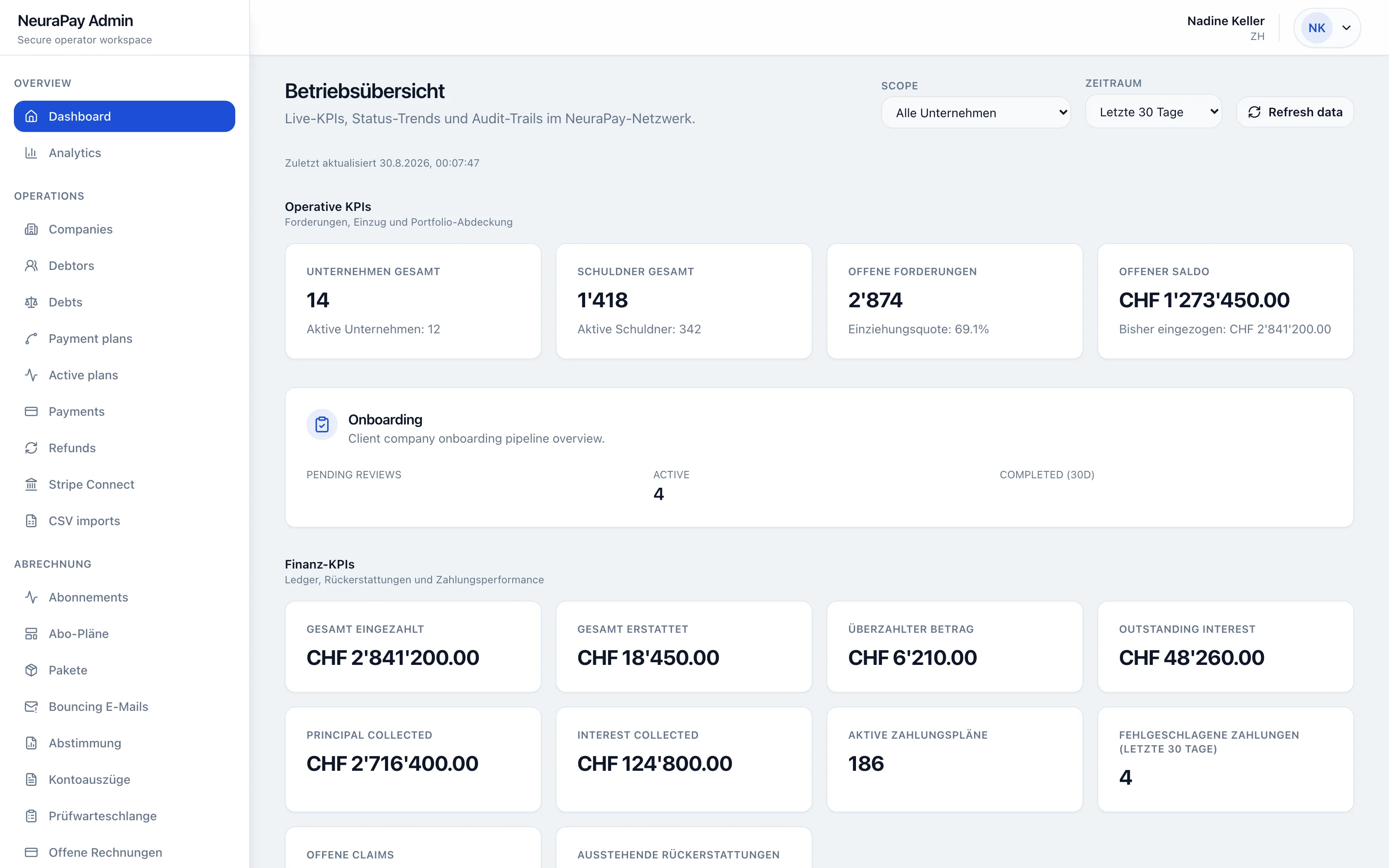


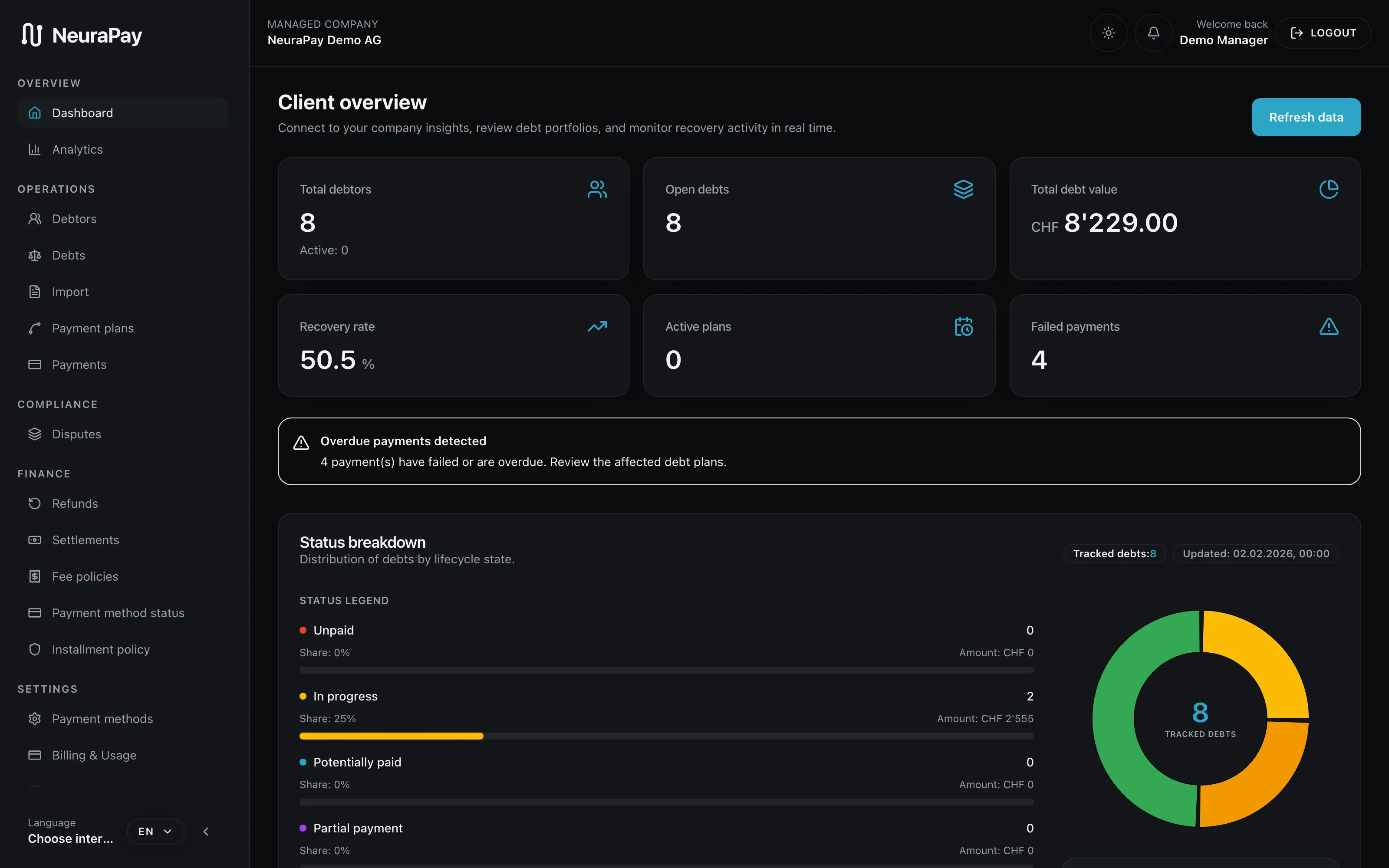
Open claims, recovery rate, and total exposure — aggregated and per case. Privacy notices always visible.
Import cases via Bexio, Abacus, Dynamics 365, or CSV. New cases are automatically created and started.
Track the progress of every claim live: status changes, payments received, communication history — all in one feed.
Settlements, monthly reports, and detailed overviews — exportable as PDF or Excel anytime. No hidden numbers.


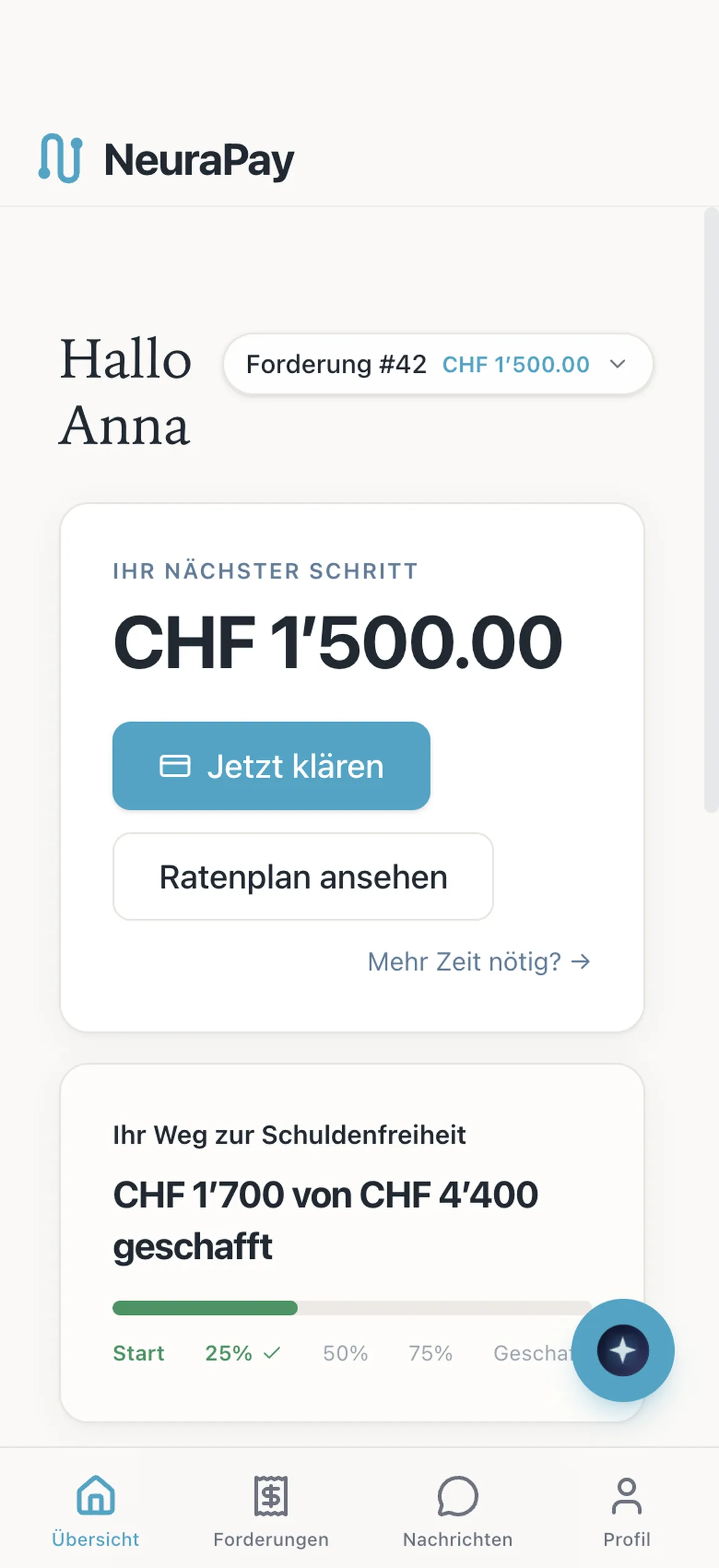
Open claims, due dates, and history — presented clearly and understandably. No overwhelming jargon.
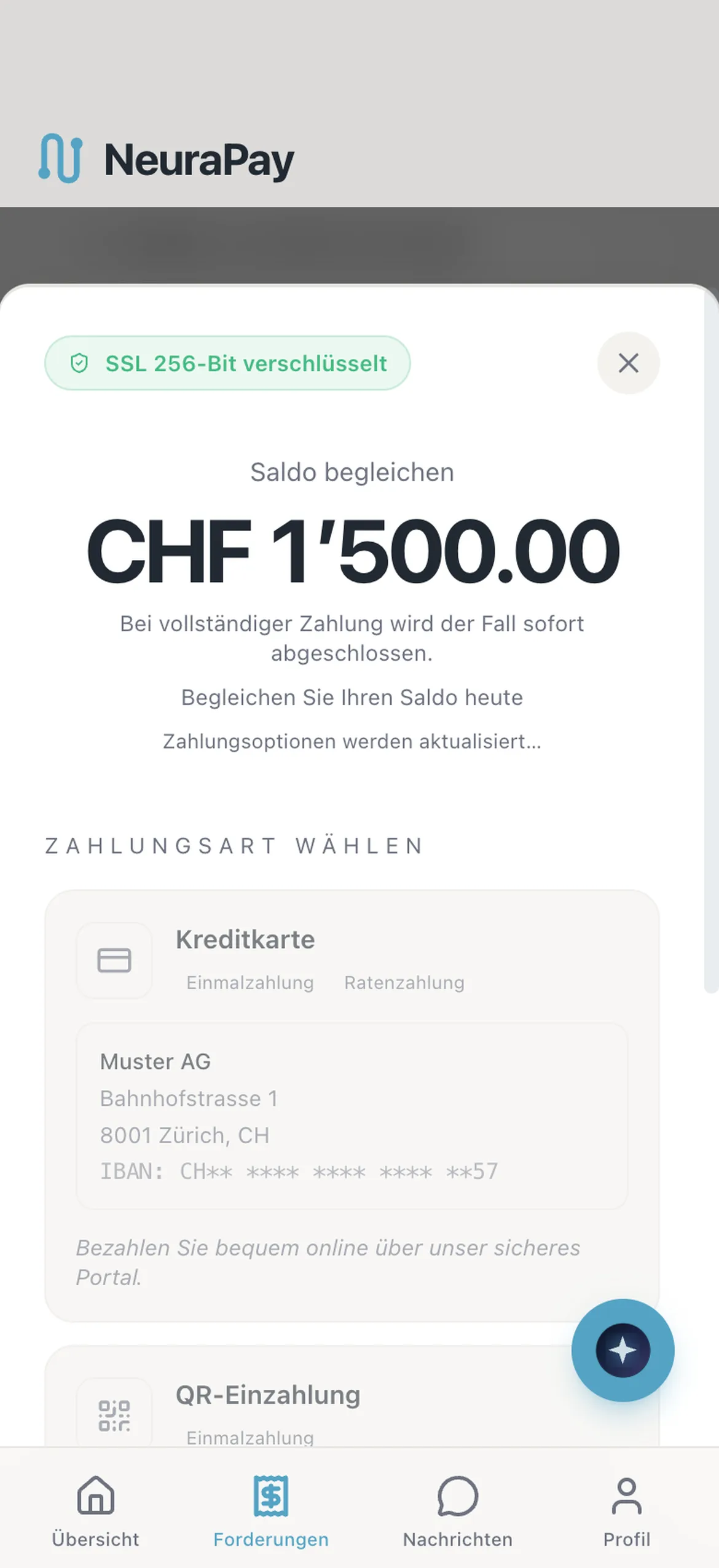
Lump sum, installment plans, TWINT*, Stripe, or bank transfer*. The debtor chooses what fits. Special offers included.
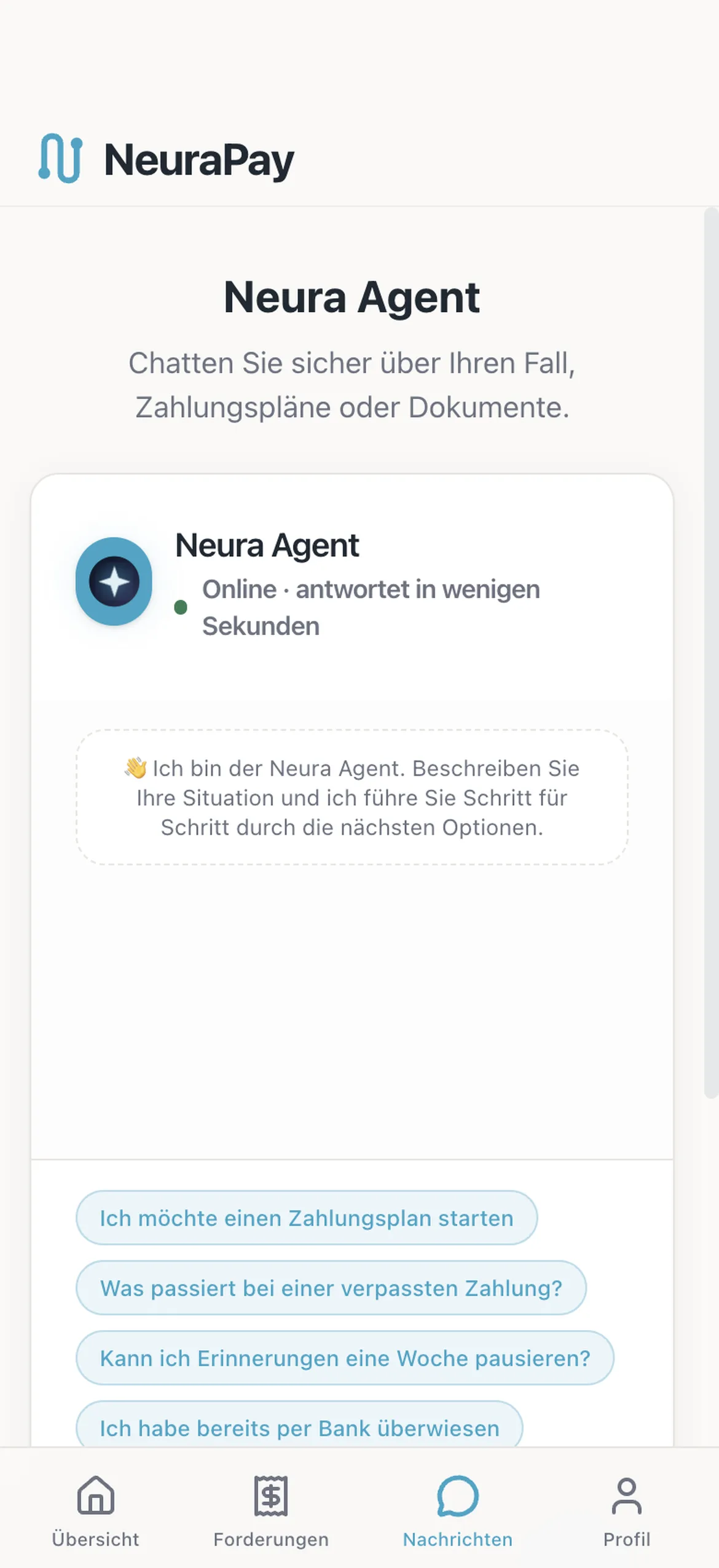
Direct chat with the case manager or Nura AI. All messages encrypted and logged in the audit trail.
DSG and GDPR compliant. Clear information about rights, no dark patterns, credit protection with active payment plans.

From registration to signature. A guided path to activating your company.
Your personal access. Register with your work email and continue securely.
The manager enters a work email, password, name, and mobile number and accepts the terms. Cloudflare Turnstile runs the captcha; Mailgun sends the continuation link.
External: Cloudflare Turnstile · Mailgun
Your company, straight from the Swiss commercial register. Find it, add details, continue.
The Swiss company is found in the commercial register by name or UID, or entered manually. Zefix supplies the register details. This step also records contact details, business activity, and plan-sizing volume; these details remain editable until Verification starts.
External: Zefix (register details)
A plan for your new collection cases per contract year. A 12-month contract, paid monthly.
The website compares plans by new collection cases per contract year. The annual allowance is flexible, with monthly payments over a 12-month contract. Review the final terms and separately listed expenses in the client portal before signing.
No charge · Debtors pay by card through Stripe · the company accepts Stripe’s fee · no NeuraPay fee
Confirm your company and authorised signatory. Stripe handles identity verification.
The manager reviews the authorised signatory or enters the person manually; Zefix clues do not confirm current authority. Stripe verifies the company and signer. NeuraPay starts the check and Connected Account and stores the status reported by Stripe. Once Verification starts, the company and signer remain fixed.
External: Zefix (clues) · Stripe (KYC / Connected Account)
Review your summary, sign digitally, and activate your company.
The company chooses card or a NeuraPay bank invoice payable within 30 days, sees the activation charge, reviews the summary, and signs through DocuSign. NeuraPay stores the signed PDF, activates the company, and Mailgun sends the go-live email.
External: Stripe · DocuSign · Mailgun
Every role has its scope. Control who can view, edit, or approve within your company.
Can grant or revoke another admin’s access to a company.
Works across client companies in the Admin Panel and can turn collection on or off.
Can read records in the Admin Panel but cannot change them.
Opens only linked companies and only the granted areas within them — with view or edit rights.
Opens only the Debtor Portal and sees only that debtor’s own debts.
An Admin, or a Company Manager with “Settings: Edit”, can turn collection on or off.
A Company Manager with edit permission can update the debtor profile.
An Admin, or a Company Manager with dispute access, can accept, reject, or partly adjust a dispute and lower the debt amount.
A Company Manager with payment approval can refund a card payment through Stripe when the company is active and refunds are enabled.
See how all three portals work together in a personal demo.